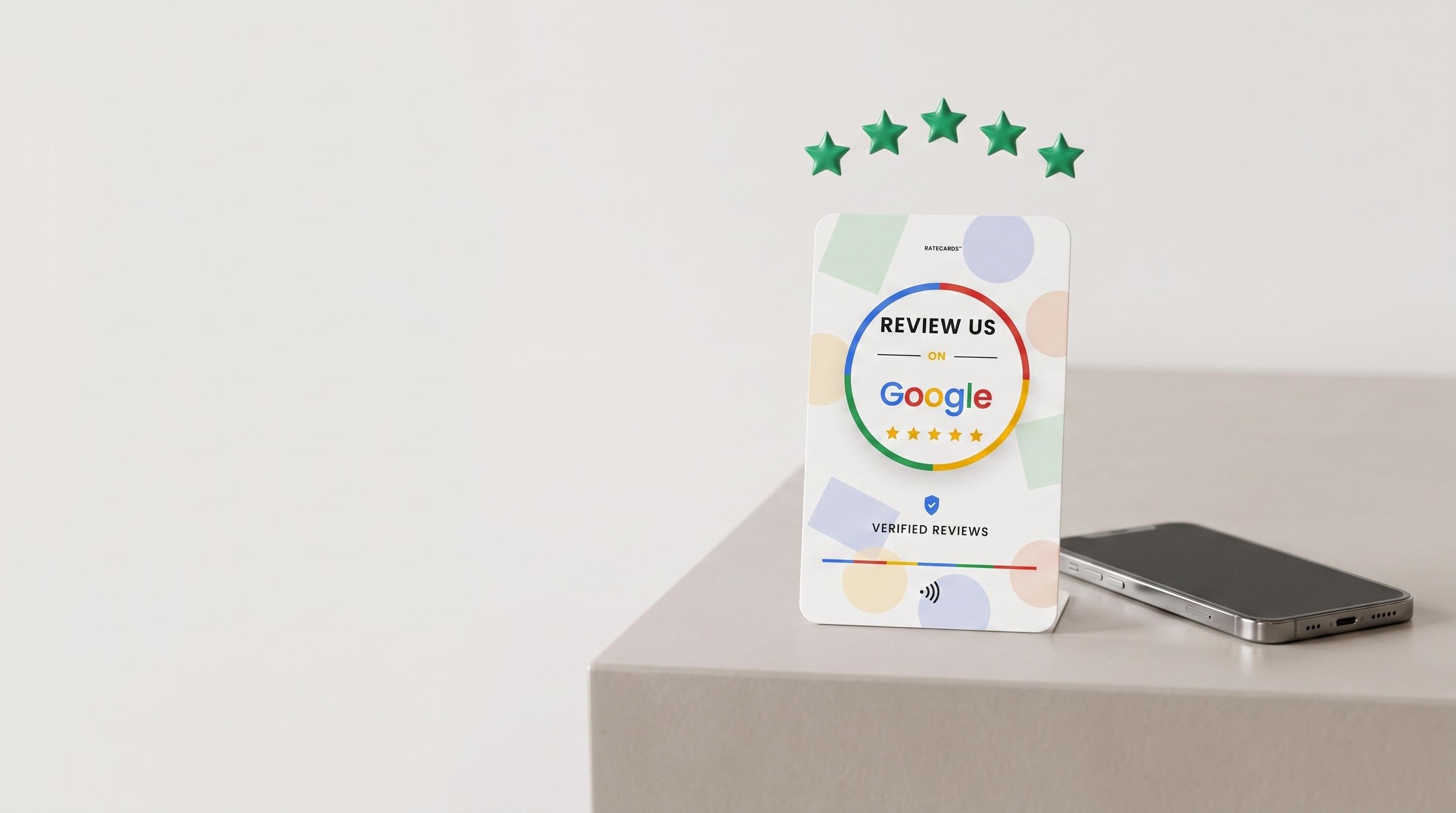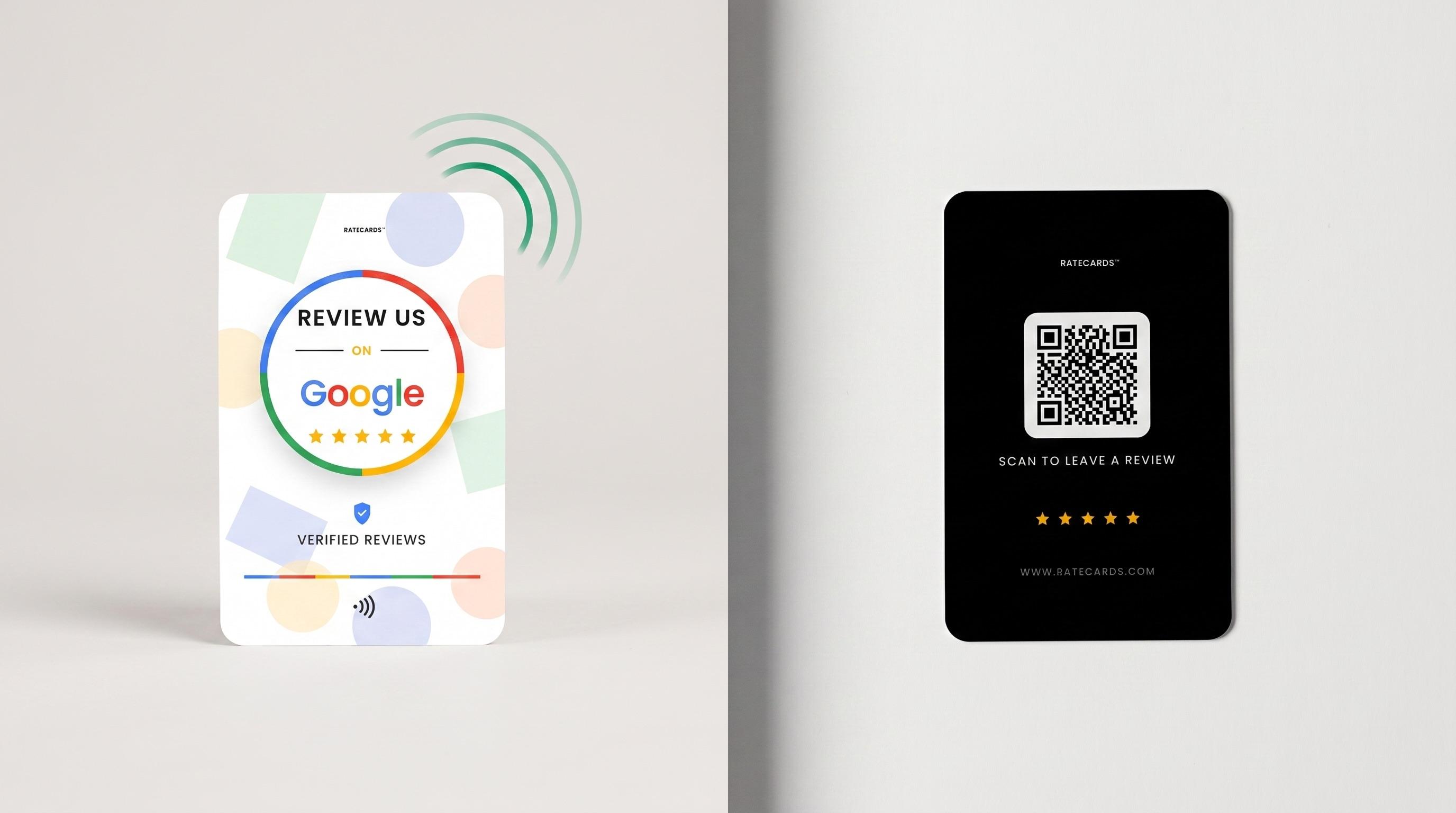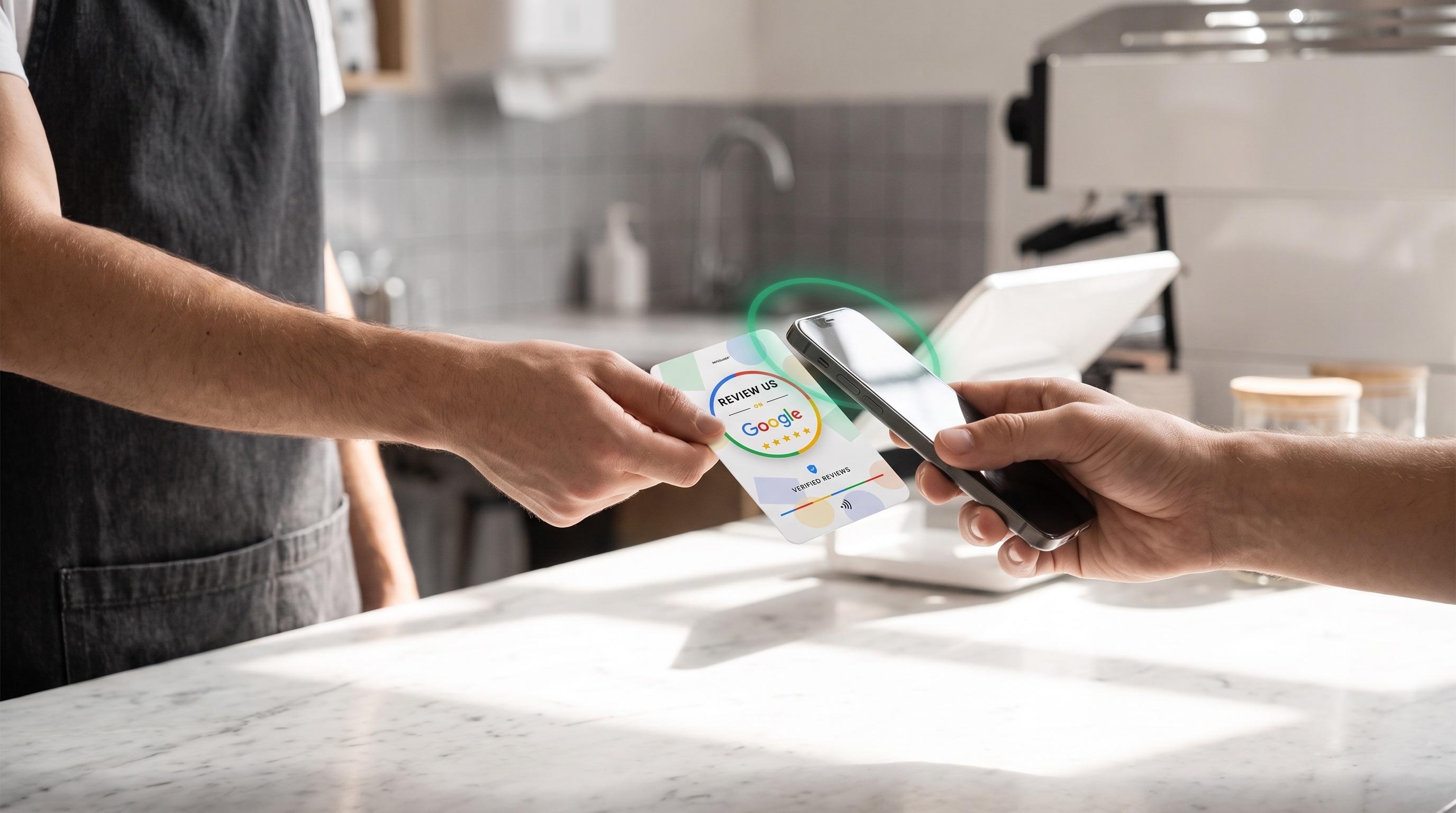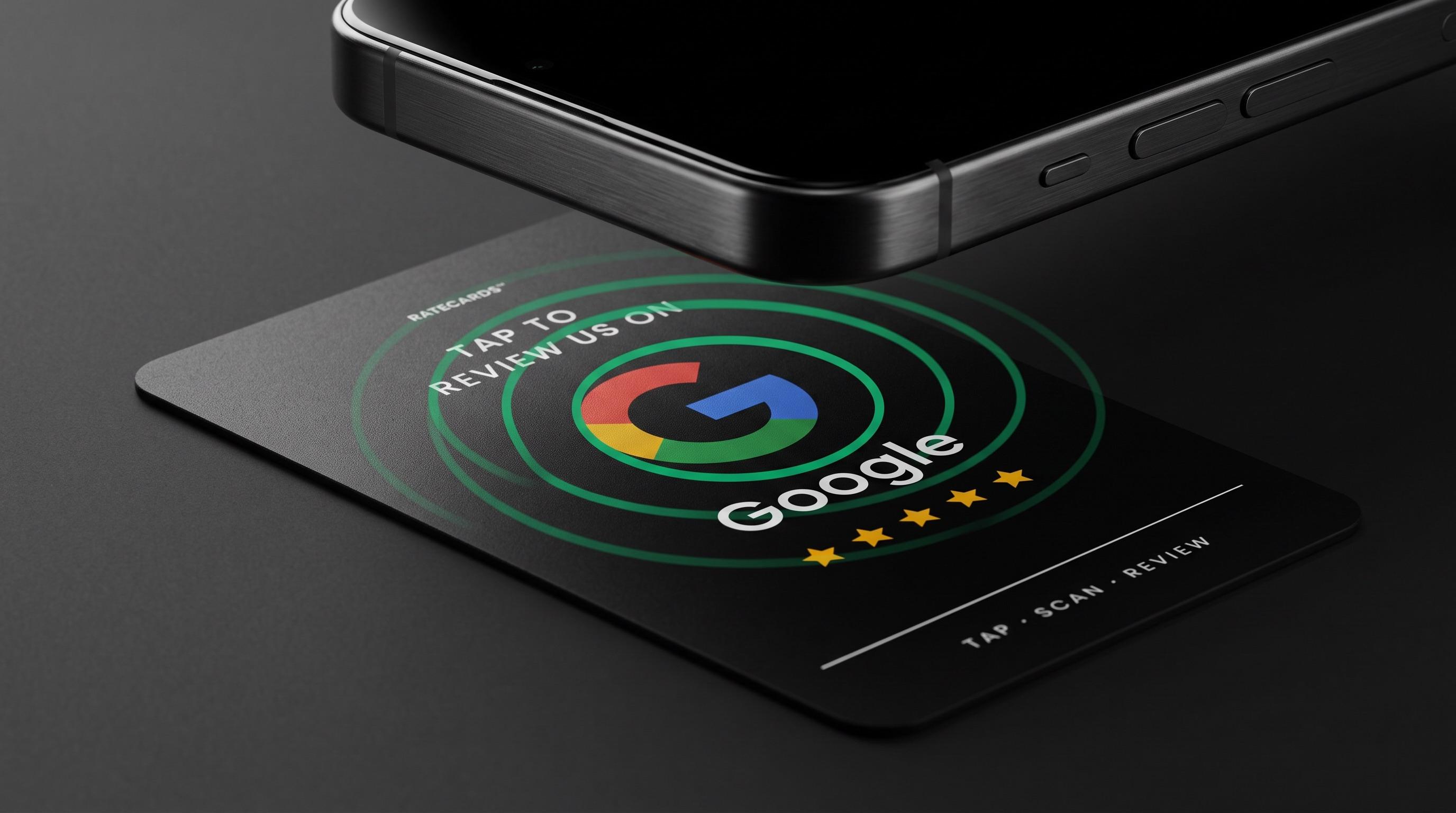
The first time someone taps a phone on a RATECARDS card and the review page just appears, the reaction is usually “wait — how?” No app was installed, the card has no battery, nothing was paired. This post is the friendly engineering tour of what actually happens in that half-second.
A chip with no battery
Inside the card is an NFC tag: a tiny chip attached to a flat antenna coil, with no power source of its own. Your phone’s NFC reader generates a small electromagnetic field; when the card enters that field (within a few centimetres), the coil harvests just enough energy to wake the chip and transmit its stored data back. It’s the same underlying standard your contactless bank card uses — short range by physics, which is a feature: nothing happens until someone deliberately brings a phone to the card.
The chip stores one thing: a URL, written in a standard format (NDEF) that every modern smartphone understands. iPhones and Android phones alike scan for tags whenever the screen is on — no app required — and pop a notification that opens the link in the browser.
The clever part: a permanent URL that never goes stale
A naive review card would burn your Google review link straight onto the chip. That works until it doesn’t: you rebrand, move listings, or decide the card should point at Tripadvisor for the summer season — and now you’re reprinting hardware.
RATECARDS burns a permanent redirect URL instead — ratecards.com/c/ followed by the card’s unique code, written once at the factory and never changed. When a customer taps, that URL answers with an instant redirect to whatever destination you’ve configured: your Google review dialog, Tripadvisor listing, Instagram profile, TikTok, or any custom link. Retargeting a card is a dashboard edit, not a reprint.
What happens on a tap, start to finish
- Phone enters the card's field and powers the chip; the chip hands over its permanent URL.
- The phone shows the tap notification; the customer taps it once.
- Our server logs the tap (time and card — this is what powers your dashboard analytics) and answers with a redirect.
- For Google destinations, the link deep-links straight into the “write a review” dialog for your listing — not just your profile page.
- The customer is typing their review, roughly two seconds after the tap.
Claiming and security
Cards ship factory-programmed but unclaimed. The first tap shows a one-time six-digit claim code; entering it in your dashboard binds that card to your account, and the code dies at first use — so a card in transit is inert, and only the physical holder can claim it. After claiming, you set the destination and the card goes live.
Because the chip is read-only in daily use and the destination lives on our servers, there’s nothing on the card to hack, repoint or wear out — the same card on your counter can serve taps for years, surviving rebrands, platform changes and every marketing pivot in between.